
Search Green Bay Phone Directory
Green Bay Phone Directory pages help you find the right city office fast. City records, police records, assessor data, and county court files do not all sit in the same place. That is why a Green Bay search should start with the city portal and then branch to Brown County when the record belongs there. Some requests end at city hall. Others move straight to the county courthouse or the Register of Deeds. The goal is simple. Match the record to the office before you spend time calling around.
Green Bay Phone Directory Overview
Green Bay Phone Directory Basics
The City of Green Bay keeps its own records path through city departments, and the city portal at greenbaywi.gov is the best starting point. The City Clerk's Office handles city records such as minutes and other administrative files, while the police department handles law-enforcement records. That split matters because the right office depends on the record type. A quick page check can save a call and keep you from asking the wrong desk for the wrong file.
Green Bay also sits inside Brown County, so some searches move out of city hall and into county systems. That is normal. If you need a court file, a deed, or a sheriff report, the county office is often the right holder. If you need a city ordinance issue, a city council record, or a police contact, stay with the city first. That order keeps the search local and practical.
For property work inside the city, the Assessor's Office is another useful contact point. It can help with parcel details, ownership clues, and assessment questions before you go deeper into county records.
Green Bay Phone Directory for City Records
The Green Bay City Clerk's Office is the main door for city records. It handles the kind of material people often want first: meeting minutes, ordinances, resolutions, and public city files. The city portal keeps those records easier to find, and it also points to the police department and other city contacts. When you know only the topic, start with the portal. When you know the office, go straight there. That is the cleanest way to use a phone directory page.
The Green Bay Police Department is the next key stop. It maintains law-enforcement records and appears on the city site, which is useful when you are trying to locate an incident report or another police file. If the matter is tied to a city event, the city records trail may be enough. If the event moved into the county system, Brown County records will take over. A good local search keeps both possibilities in view.
The city portal is also helpful because it keeps the office names in one place. You do not have to guess whether the record sits with city hall, the police department, or the assessor. You can see the path before you call.
- City Clerk for city records
- Police Department for incident records
- City portal for the first office check
- Assessor for property and parcel questions
Green Bay Phone Directory for Property Records
Property searches in Green Bay often begin with the Assessor's Office at 100 N. Jefferson Street, Green Bay, WI 54301. The phone number in the research is (920) 448-3000. That office is useful when you want assessment data, property characteristics, or a better route into the county's property record trail. If the property search needs recorded documents, Brown County's land-record systems take over. That is why city and county property records go hand in hand.
The Brown County Register of Deeds is the county office behind the property trail, and the Green Bay user often ends up there after a city search. The county land-record search portal at prod-landrecords.browncountywi.gov/GCSWebPortal/Search.aspx gives you the direct lookup path. The county Register of Deeds page at browncountywi.gov/departments/register-of-deeds/real-estate/services/search-real-estate-documents gives more detail on access, and the land-record options page at browncountywi.gov/i/f/departments/register-of-deeds/land-records explains the search methods. That mix is useful when a city address leads to a county deed file.
For assessment questions, the city assessor can answer the first round. For recorded documents, the county register handles the actual file. It is a simple split once you see it, but it saves time every time you use it.
Use the county image below if you want a visual cue for the land-record path.
Brown County land records search is the local county route that often follows a Green Bay property question.
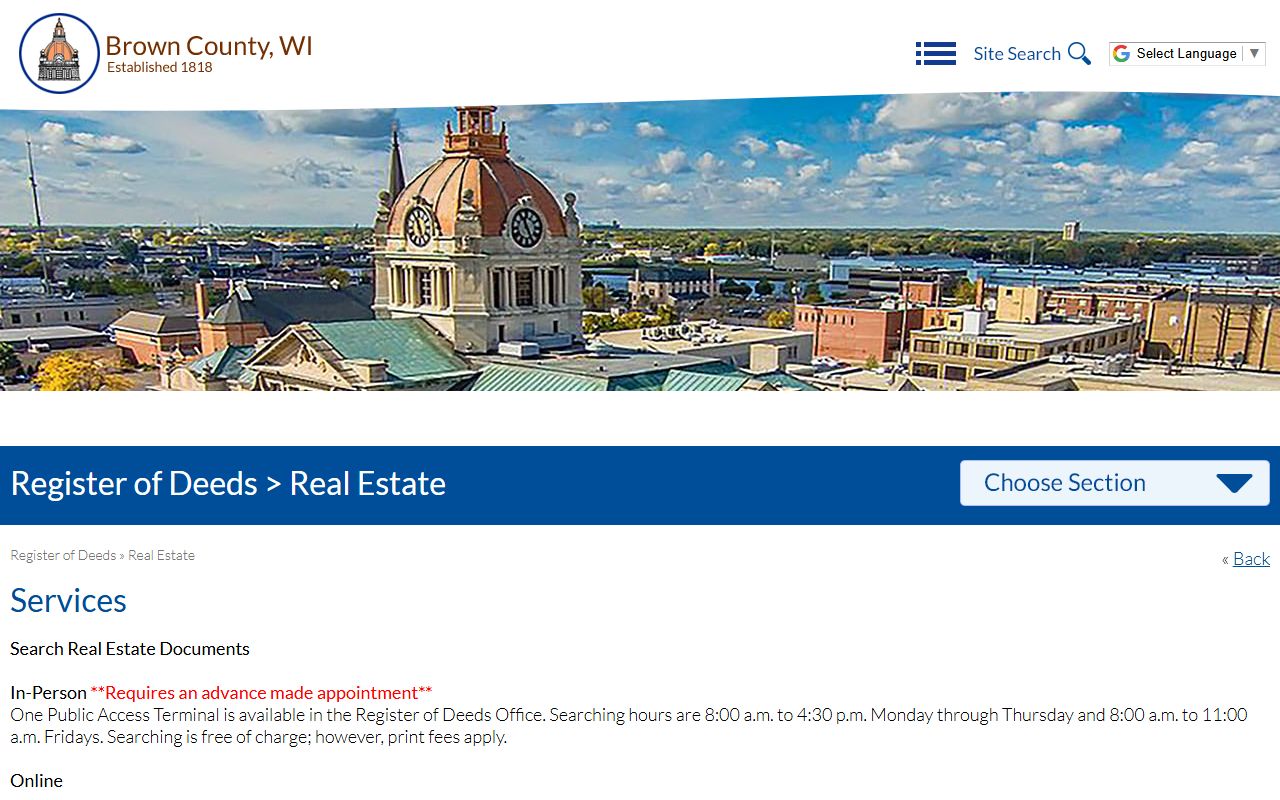
That screen is the right visual marker when the city question turns into a county property search.
Green Bay Phone Directory and County Records
Brown County records matter in Green Bay because the city sits inside the county seat. The county courthouse at 305 E. Walnut Street is the place to look for court files, and the Brown County Clerk of Circuit Court at 100 S. Jefferson Street is the office that keeps case files. The court phone is 920-448-4160. If you need a court summary first, WCCA at wcca.wicourts.gov is the state portal to check.
The county Register of Deeds is also relevant when the Green Bay search shifts from city records to land or vital records. That office keeps the long property trail and the certified-copy process. The county sheriff records section at 2684 Development Drive is another useful stop if the record begins as a county law-enforcement matter rather than a city one. Green Bay users often move between city and county without thinking about it. This page keeps the route clear.
State tools still help, especially when the request needs a wider rule set or a backup check. The Wisconsin Courts site at wicourts.gov and the public-records statutes at Wis. Stat. 19.31, Wis. Stat. 19.35, and Wis. Stat. 19.36 explain access, copies, and limits. They fit best after you know the local office.
Green Bay Phone Directory Access
Green Bay records searches get easier when you separate city, county, and state work at the start. City hall keeps city records. Brown County keeps court and deed records. The state pages fill in the gaps. That order sounds basic, but it prevents a lot of wasted calls. It also helps you ask for the exact file instead of a broad topic.
If you need a criminal history check or a vital-record backup, the state sites still have a place. Use the Wisconsin DOJ record check page at recordcheck.doj.wi.gov when a state-level record check is the right tool. Use the Wisconsin Vital Records office at dhs.wisconsin.gov/vitalrecords/index.htm when the request belongs at the state level. Those pages are not the first stop for most city searches, but they are useful when the county or city office points you there.
The city portal still wins for speed when the record is clearly local. Start there, then move outward only if the file lives somewhere else.
Note: Green Bay record searches often cross from city to county, so the best path is to match the office to the file before you ask for copies.
Green Bay Phone Directory Images
The city portal at greenbaywi.gov is the broad first stop for Green Bay city records, and the image below shows that page.
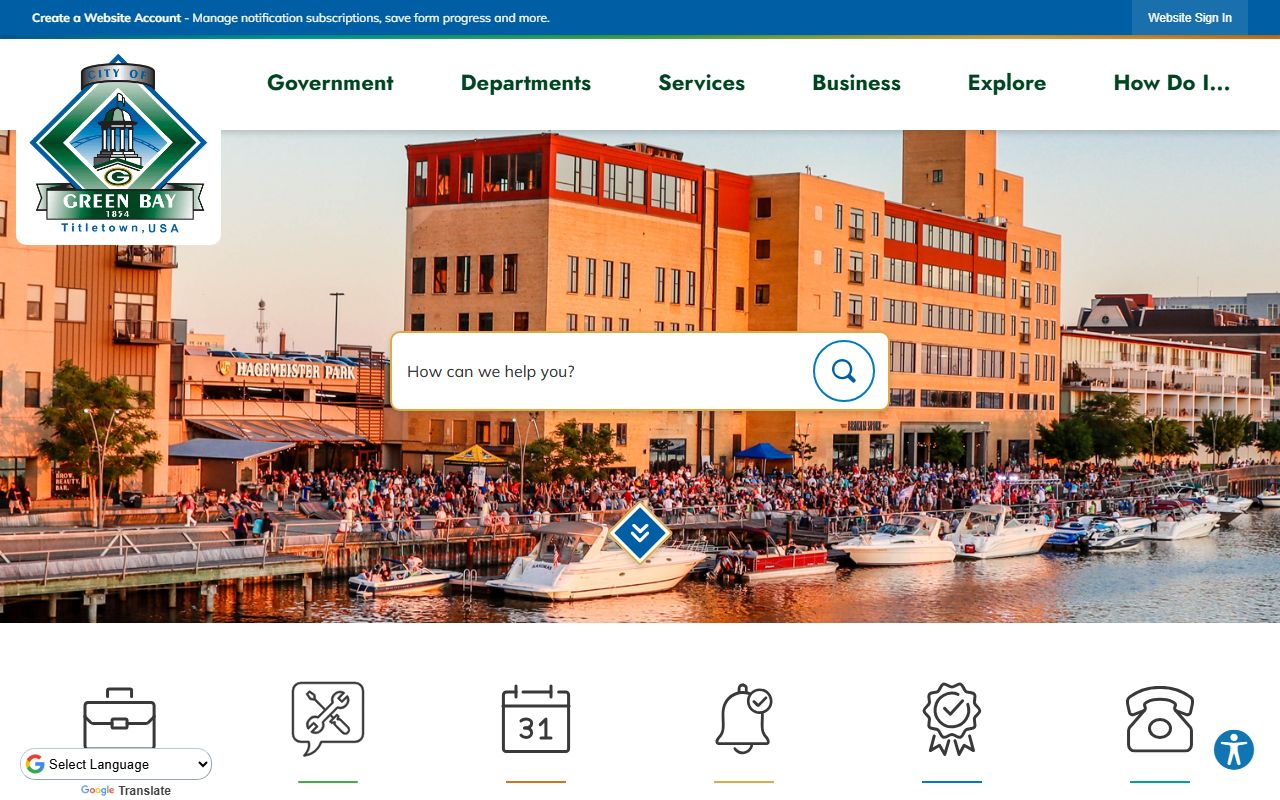
Use it when you want the city's own contact path before you drill into a specific department.
For a county follow-up, the Brown County land-record search route at browncountywi.gov/departments/register-of-deeds/real-estate/services/search-real-estate-documents is often the next place to look.
That image fits the moment when a city address or property question turns into a county document search.
Green Bay Phone Directory Tips
Green Bay searches work best when you start with the office, not the hope. If you need a city record, go to the city portal. If you need a court file or deed, move to Brown County. If you need a state backup, use the state pages only after the local route points you there. That keeps the search clean.
Use the right detail. A name helps with city and court files. An address or parcel number helps with property records. A date or report number helps with police files. Small facts make a large difference in a records office. They also reduce the chance of a wrong pull.
In a city like Green Bay, the real value of a phone directory page is not a long list of names. It is the path. It shows where to start, where to turn next, and when to stop at the right desk.