
Search Wisconsin Phone Directory
Wisconsin Phone Directory searches work best when you start with the place that most likely holds the record, then widen only when the search leaves that office. Some records begin with a city or village department. Others belong to a county court, a register of deeds office, or a statewide system. This site is built to help with that routing problem. Use the Wisconsin Phone Directory to move from location to office, from office to record type, and from local records to state tools when the local trail ends.
Wisconsin Phone Directory Overview
Where Wisconsin Phone Directory Searches Start
A Wisconsin Phone Directory search should begin with the office most likely to control the file. If the question is municipal, start with the city or village page and the official local portal. If the record is tied to a courthouse, property filing, or county administration, start with the county page instead. That small choice matters because a record search usually fails when the request begins too broad. The point is not to search everything at once. The point is to move toward the likely record holder with the fewest wrong turns.
That is why this site is organized by county and city first, not by generic record type alone. Public records in Wisconsin are spread across local and state offices. A city department may handle a first request, but the next step may belong to a county court, a register of deeds office, or a statewide system. The Wisconsin Phone Directory structure keeps those layers separate so you can follow the record trail instead of guessing at it.
Note: The fastest search is usually local first, county second, and statewide only when the record trail leaves the local office.
How to Use the Wisconsin Phone Directory
Start with the strongest fact you have. If that fact is a county, open the county page. If that fact is a city or village, open the city page and follow the local portal first. If the only thing you know is a party name or case type, a statewide court or records tool may help you identify the next local office. The Wisconsin Phone Directory is meant to narrow the route before you make calls, submit requests, or open a broader statewide search.
For court matters, the main statewide tool is Wisconsin Circuit Court Access at wcca.wicourts.gov. For court system guidance and forms, the main system page is wicourts.gov. For certified vital records information, the statewide entry point is dhs.wisconsin.gov/vitalrecords/index.htm. For a statewide name-based criminal history route, Wisconsin uses the DOJ record check page at recordcheck.doj.wi.gov. Those are not replacements for county and city offices, but they often become the next step when a local page tells you the file is no longer local.
Open records requests in Wisconsin also sit inside a legal framework, not just a website path. Wisconsin public records law begins with the policy statement in Wis. Stat. 19.31, with request and access standards in Wis. Stat. 19.35, and review and challenge provisions in Wis. Stat. 19.36. The Wisconsin Phone Directory pages weave those rules into local search guidance so the search stays tied to the office that actually responds.
Wisconsin Phone Directory for Local Records
Local record searches are rarely one-size-fits-all. A city portal may help with municipal records, meeting materials, local notices, police contact routes, or department pages. A county portal may help with courthouse records, property search routes, jail information, or administrative records. The Wisconsin Phone Directory pages were built to keep those local differences visible. They do not flatten every county or city into the same claim.
That matters because the same search term can point to different offices in different places. A name search in one county may lead you to court access first. In another county, the practical first step may be a register of deeds office, a county portal, or a records officer. In a smaller city, the best first step may still be the main city portal because the research supports only a broad municipal entry point. The site keeps that local nuance intact so the search stays useful.
When a page has richer local support, it uses it. When the local trail is thin, the page falls back to state tools and explains the county or city context without inventing office detail. That is a better search experience than pretending every location has the same volume of local records infrastructure.
Wisconsin Phone Directory and Public Records Law
Every strong Wisconsin Phone Directory page needs legal context, because public records access depends on more than knowing a URL. Wisconsin law states a presumption of open access in Wis. Stat. 19.31. The request and inspection rules appear in Wis. Stat. 19.35. Limits, redactions, and response issues appear in Wis. Stat. 19.36. Those rules do not tell you which office has the file, but they do shape how an office responds once you find the right desk.
That is why the site does not isolate statute references in a detached law page. Instead, the statutes are mixed into the county and city guidance where they matter. A county page may explain how a records officer handles an administrative request. A city page may explain why a municipal department is the right starting point before a request widens. The Wisconsin Phone Directory works better when the legal framework stays connected to the office search instead of drifting into abstract legal summary.
Public records access still depends on the right office. A good statute citation helps, but it does not replace identifying the local or county record holder first.
Wisconsin Phone Directory for Court, Property, and Vital Records
Three kinds of records show up again and again in Wisconsin Phone Directory searches: court records, property records, and certified vital records. Court records often move through county courts and statewide access tools. Property records often move through county portals or register of deeds systems. Vital records may begin locally but often end with county or state issuance rules. A page that does not separate those paths becomes cluttered fast.
For court access, start with the county or the statewide court systems above. For property questions, a county page may point you toward the county portal, a land records system, or a county context office such as Access Dane at accessdane.countyofdane.com. For certified copies, the statewide DHS vital records page is often the cleanest reference point, even when a county or city page remains the practical first stop. That layering is part of the site design on purpose.
The Wisconsin Phone Directory also keeps image choices tied to the same logic. If a city image exists in the source set, the page uses it. If not, the page falls back to a county or state image that still helps anchor the route. The content should do the same thing: use local detail when available, then fall back in a controlled way without pretending the missing detail exists.
Wisconsin Phone Directory Request Tips
A clear request beats a broad request. Bring the strongest facts you have: a full name, a location, an address, a case year, a parcel clue, or the city where the event took place. That is often enough to decide whether the next step belongs to a city office, a county office, or a statewide system. The Wisconsin Phone Directory pages are built around that same logic. They are routing tools first.
If you are unsure where to start, pick the location page that is closest to the event or record. Use the city page if the search begins with a municipality. Use the county page if the search already points to a courthouse or county record holder. If neither route answers the question, use the approved state resources above to widen the search without dropping into unsupported third-party directories.
Wisconsin Phone Directory and Help Resources
Not every search ends with a simple portal click. Some people need court forms, self-help guidance, or legal aid after they identify the right office. WisconsinLawHelp at wisconsinlawhelp.org can help with legal information and self-help materials. The Wisconsin Court System forms pages at wicourts.gov/forms1/circuit.htm are also useful when a record search turns into a filing or response issue. Those links are here because a search page is more useful when it helps with the next practical step, not just the first lookup.
The Wisconsin Phone Directory is still a records-routing site, not a legal advice site. Its value is in helping you find the office, the portal, and the official source that fits the search. Once you know that route, legal help resources make more sense because the problem is narrower and the paperwork is easier to identify.
Wisconsin Phone Directory State Images
The Wisconsin DOJ online record check page at recordcheck.doj.wi.gov is the main statewide route when a Phone Directory search turns into a state criminal history request and the local office tells you the file is no longer local.
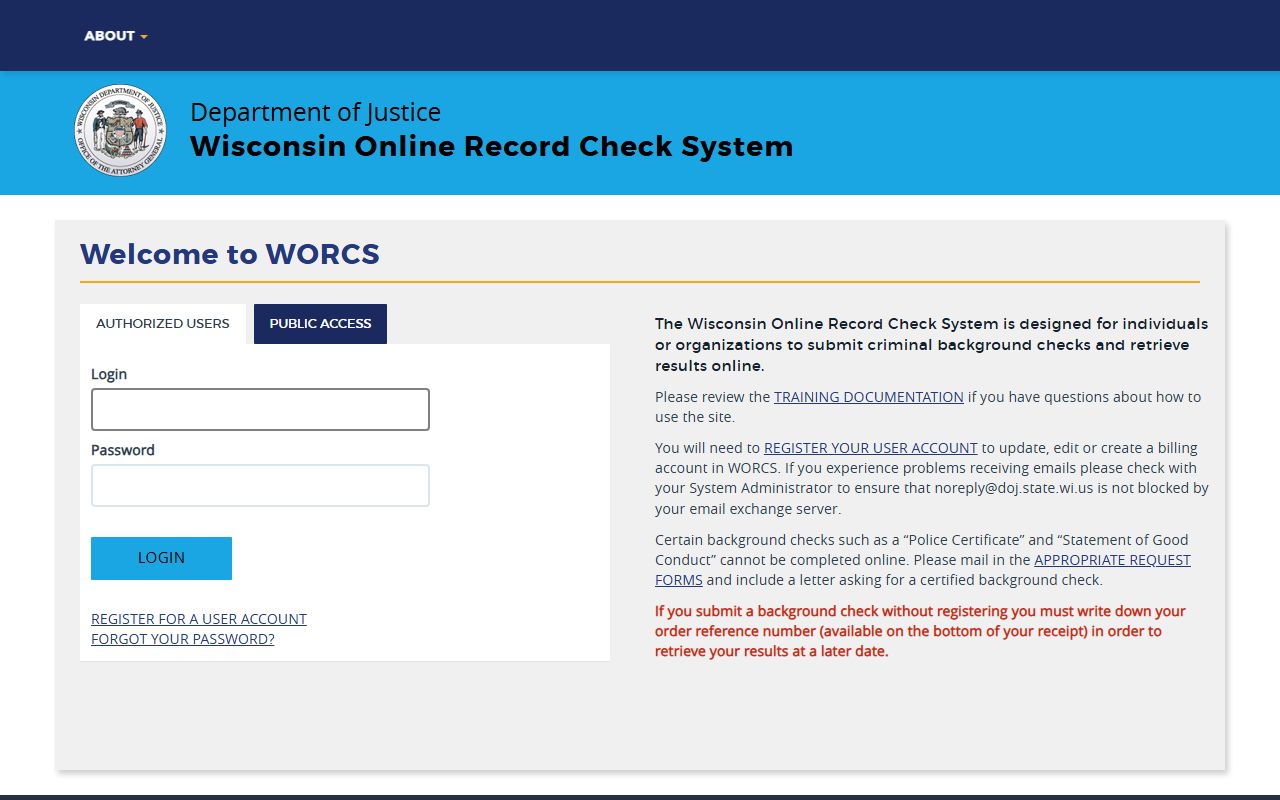
That screen belongs on the statewide home page because it is not tied to one city or county. It is the official state-level tool users reach after the local path ends.
The Wisconsin DOJ criminal history information page at doj.state.wi.us/dles/cib/criminal-history-record-search explains the broader agency route behind the online search process.
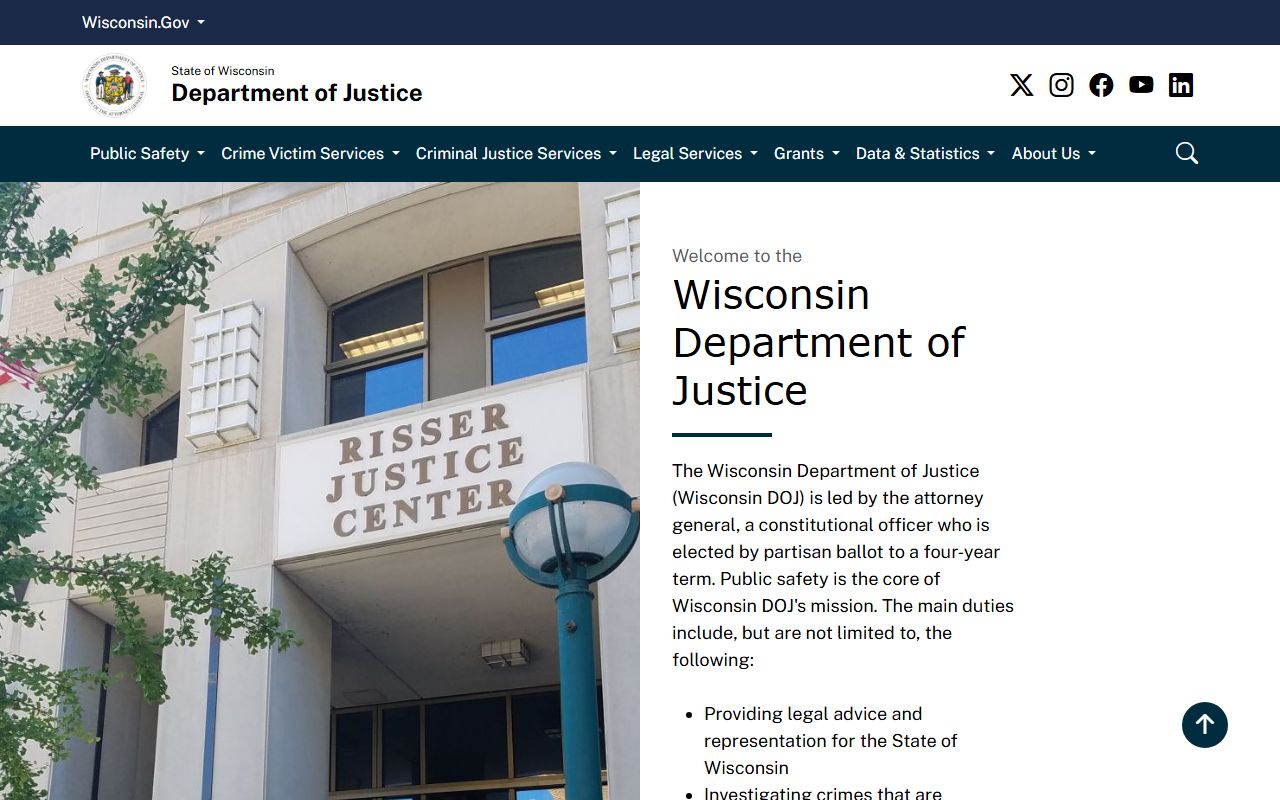
It adds statewide context when the search is about agency guidance instead of the online form itself.
The Wisconsin DMV driver records page at wisconsindot.gov/Pages/dmv/license-drvs/rcd-crsh-rpt/records.aspx is the official stop when a Phone Directory search becomes a driver-record request rather than a city or county file request.
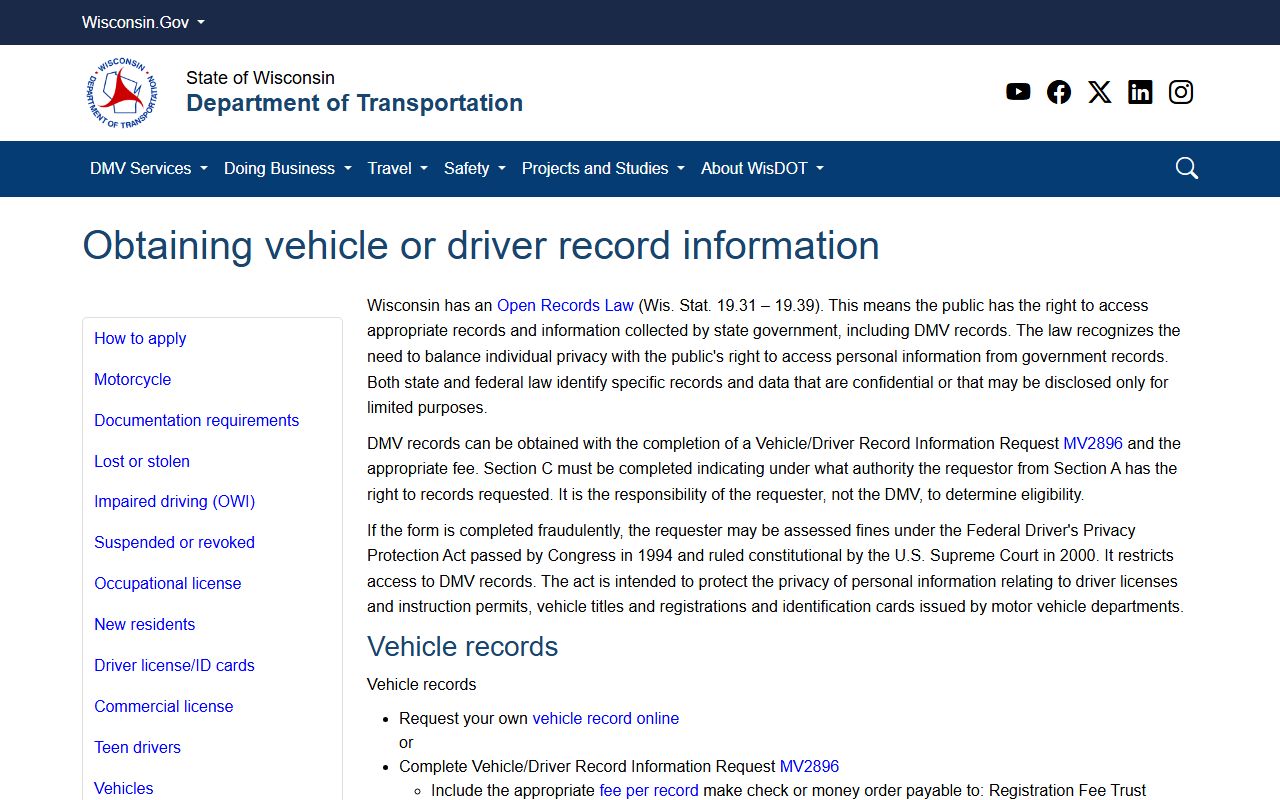
That page is statewide by design, so the homepage is the right place to show it instead of forcing it into a city or county page where it would feel disconnected.
The Wisconsin Historical Society records page at wisconsinhistory.org/records/ is the strongest statewide reference when a Wisconsin Phone Directory search shifts from current records to older archival material.
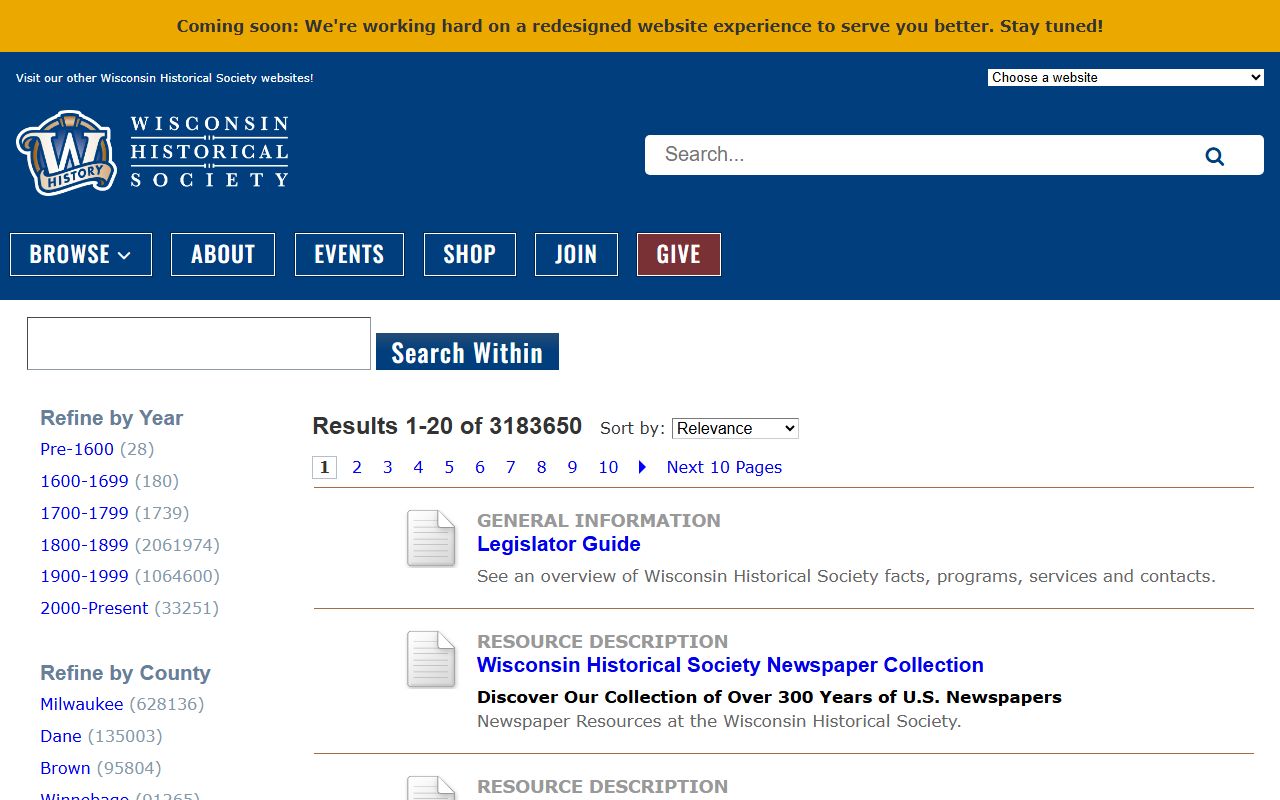
That makes it a good fit for the index page as well. It is an official statewide backup for older record trails that local pages may not fully cover.
Browse Wisconsin Phone Directory by County
Pick a county below to open the Wisconsin Phone Directory page for that county and move from the county portal to the right record path for that area.
Wisconsin Phone Directory in Major Cities
Pick a city below to open the Wisconsin Phone Directory page for that municipality and start with the city route before widening the search.